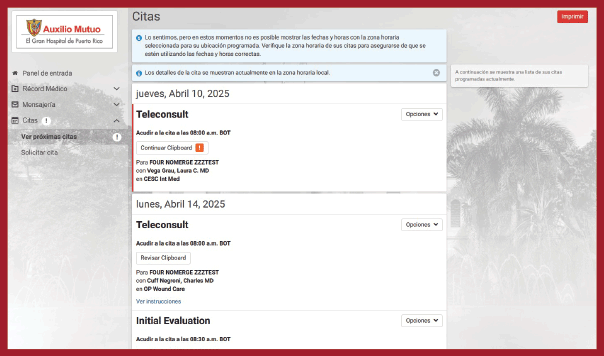
The main page will provide you with a summary of your available information.
On the left corner, you will find the main menu. On the left, under “Login panel”
you will find the Medical Record tab. Click it and you will find the following
sections of your medical record:
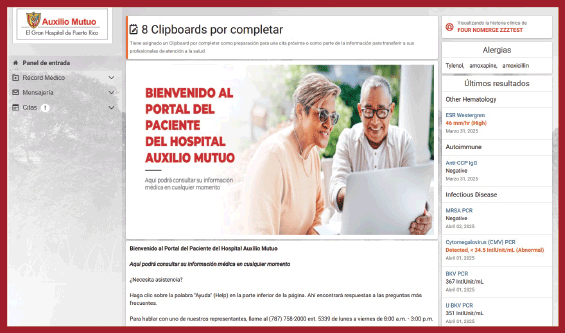
You may see various sections of your medical record, such as:
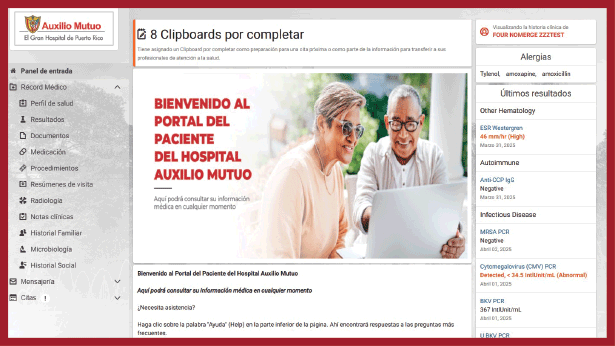
Through this page, you will be able to message the Hospital’s personnel by
selecting the topic that is relevant to your personal situation. Additionally, you
will receive notifications sent by our staff to keep you up to date and/or to reply
to your questions.
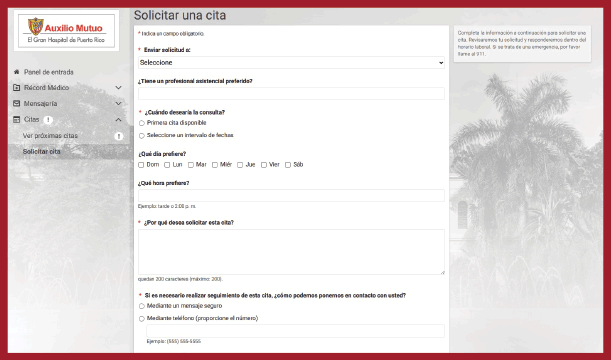
You may request appointments for several outpatient services, allowing you to
manage your medical consultations efficiently.
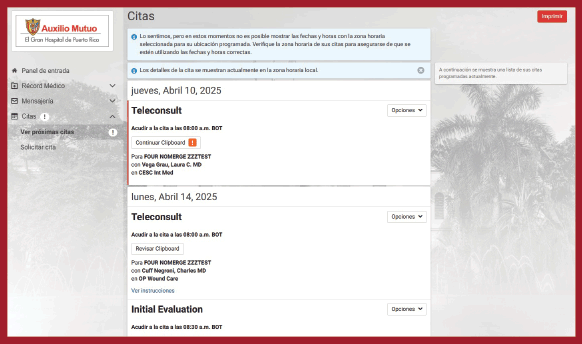
In order to schedule an appointment,
click on “Schedule an appointment” and fill out the form.
With these digital forms, you may provide relevant information before your visit,
such as medical history and any medication that you are currently taking. This
helps medical professionals prepare beforehand, ensuring that their attention
during your visit is more efficient.