During your visit to the hospital, the inscription official will ask for your email,
assign a security question, and register your answer.
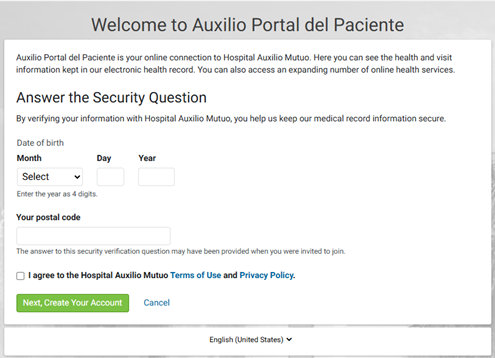
You will receive an email an invitation via email
with a link that will lead you to the page below:
Access the Patient Portal through our “Auxilio Patient Portal”
at auxiliomutuo.com
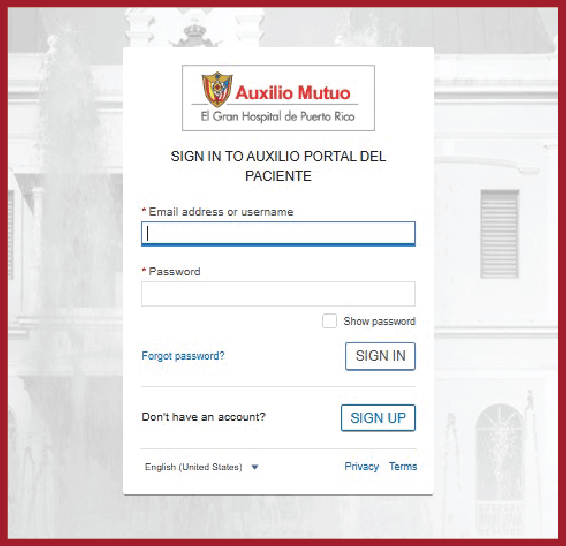
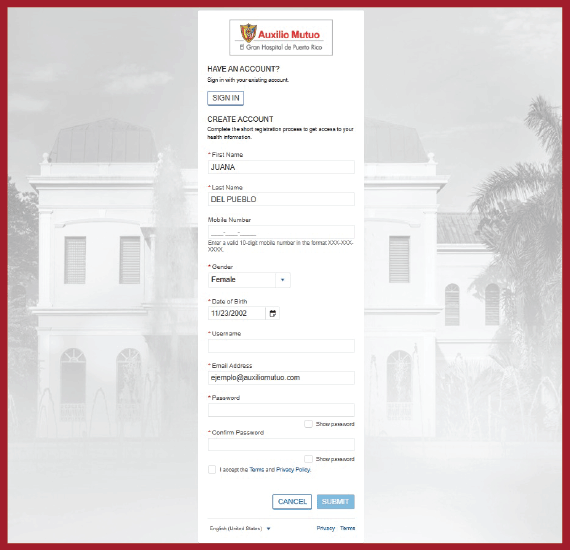
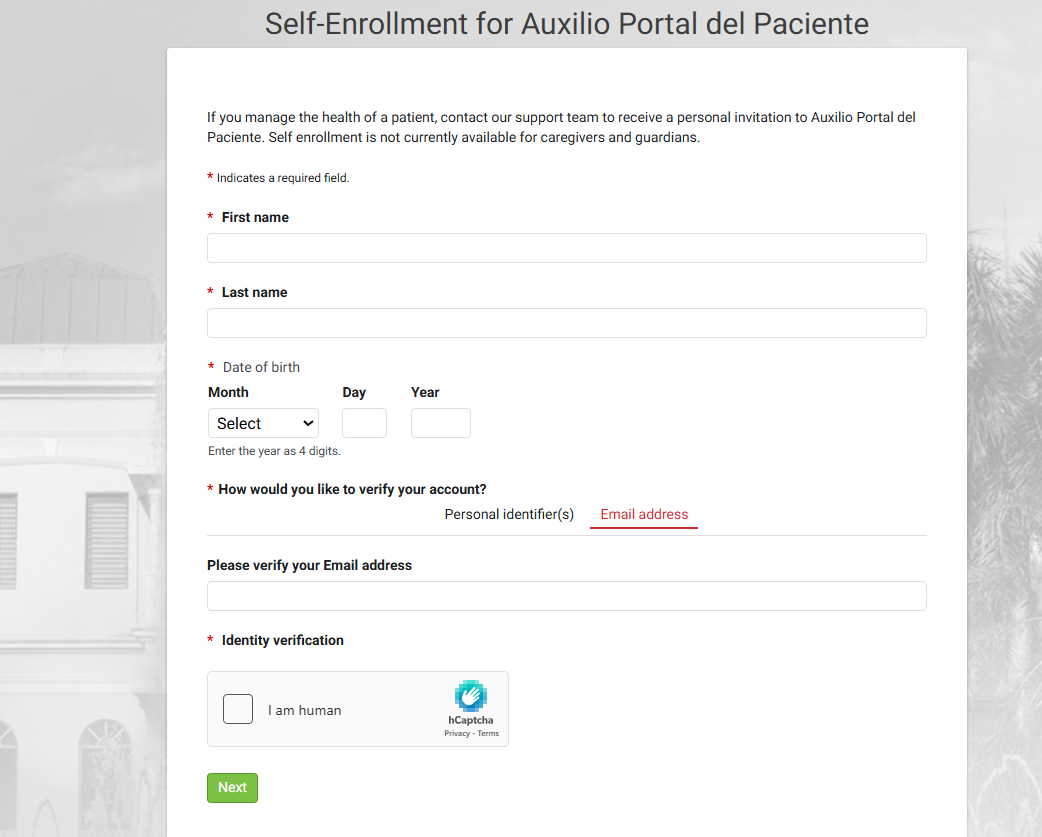
Press the SIGN-UP button on the access page
and fill out the form.
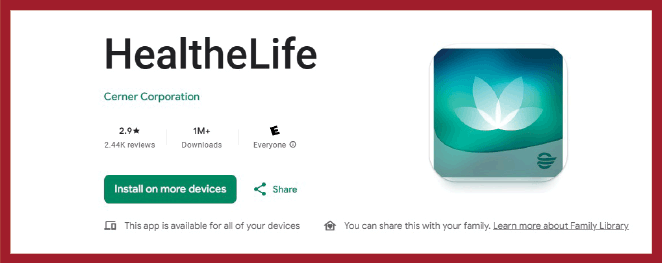
You may also gain access through the HealtheLife app,
available on Apple and Android.